 Writeboard
Sign in
Start free
Writeboard
Sign in
Start free
For students
Getting in, in six lines
Your tutor uses Writeboard for your lessons. Everything you do together is kept in a book on your own shelf. Here is how you get to it.
Watch how it looks for a student: short clips of the real product.
- Open the link your tutor sent
It works once. If it says it has expired, ask your tutor for a new one; your book is still there.
- Pick a username
Letters, numbers, dots or dashes. No spaces. If yours is taken you will be offered one like it.
- Pick a password
At least 8 characters, and not something everyone uses. Only you know it.
- You are in
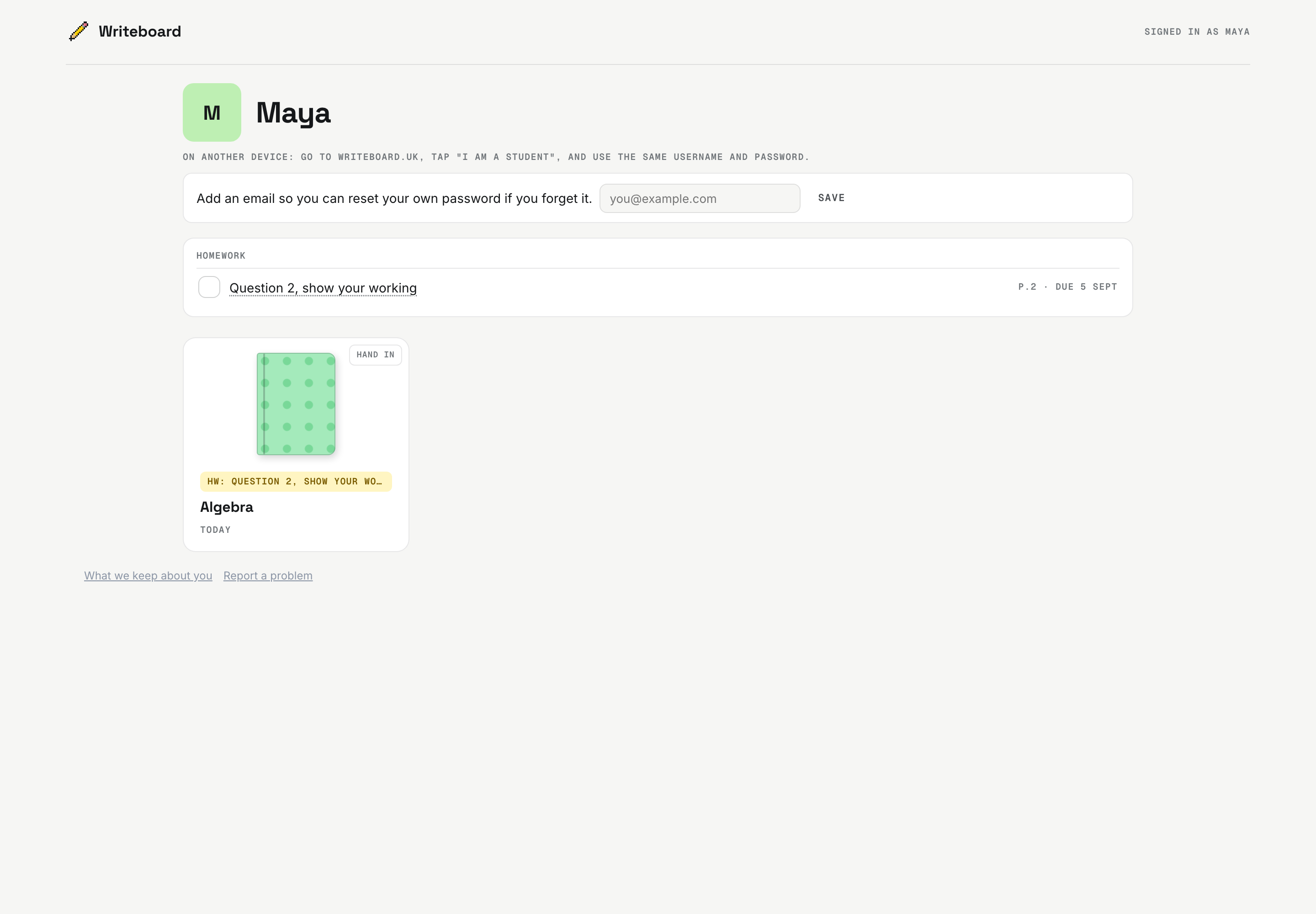
Your shelf shows your books and any homework with its due date. Each part of a homework is a tick; the last tick hands it in. The bell at the top tells you about new homework and marks.
- On your phone, or the school iPad
Go to writeboard.uk/student and use the same username and password. It works everywhere.
- Forgotten it?
If you added an email, use Forgotten your details on the sign-in page. If not, your tutor can send you a new link in one tap.
If the link opened inside Instagram or another app
Some apps open links in their own little browser, which forgets you the moment you close it. If that happens, copy the link and open it in Safari or Chrome instead.
What we keep about you
Your username, the name your tutor typed, and your lessons. Your tutor, or the agency they work for, may also keep a record about you, like a school would: your date of birth, your school, your subjects and results. No location, no tracking, no adverts. The full version is at /privacy/students.