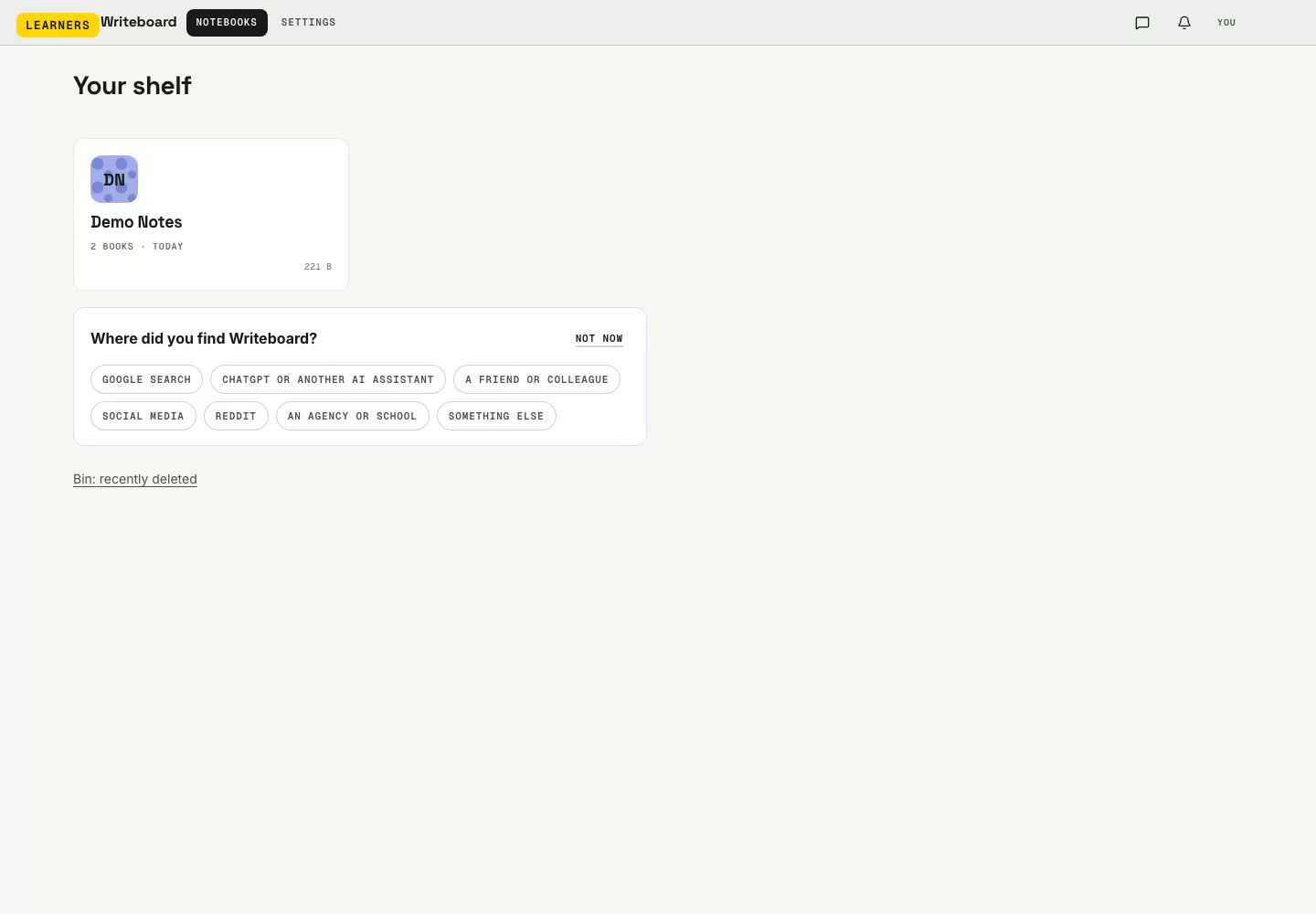
Eighteen short clips cut from one recording of the real product, in the order a lesson happens. Each plays on its own; the whole thing runs at the bottom. Recorded again on every release, so what you see is what you get.
Updated 29 August 2026. Written by a working tutor from his own lessons; every screen shown is the real product.
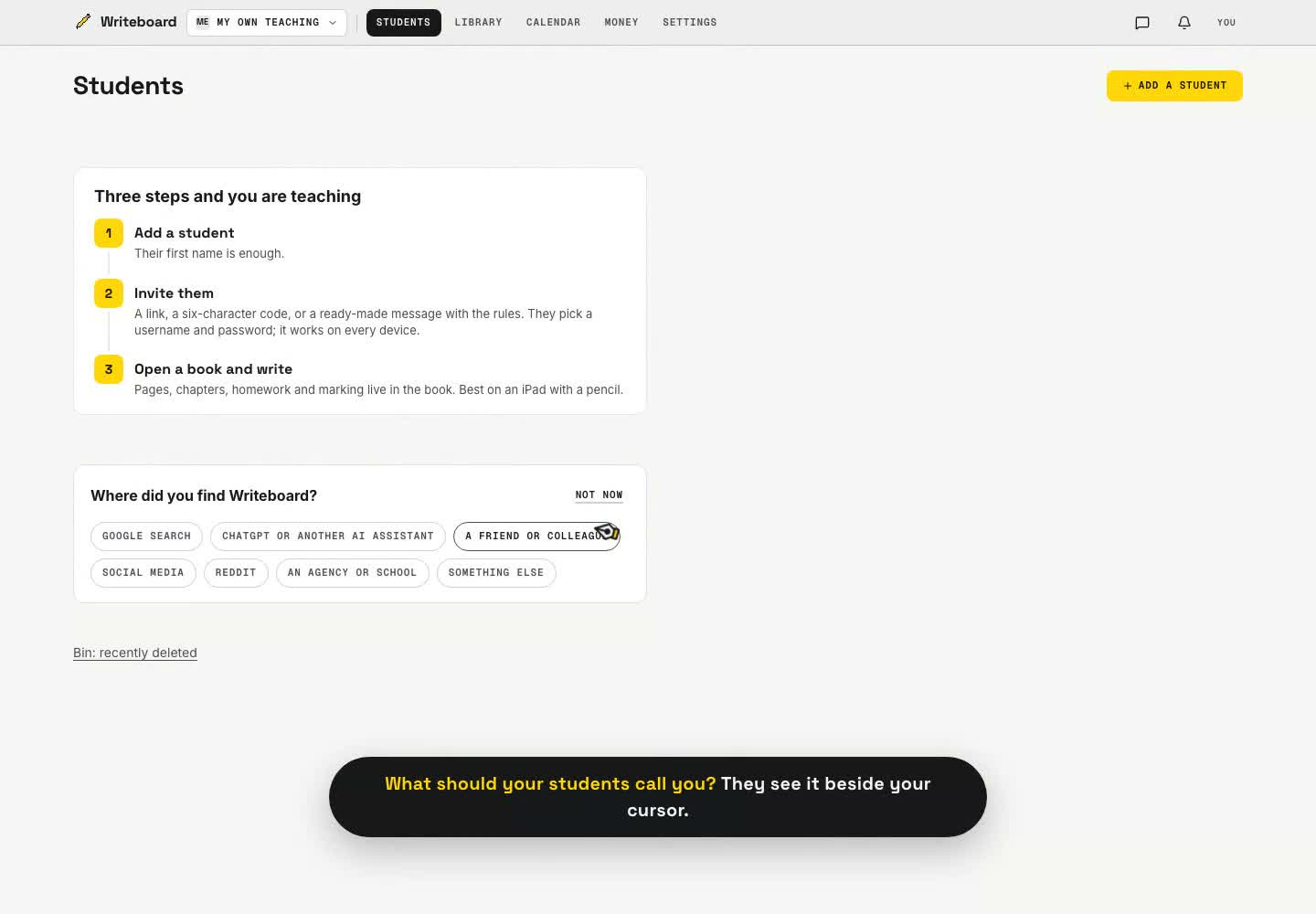
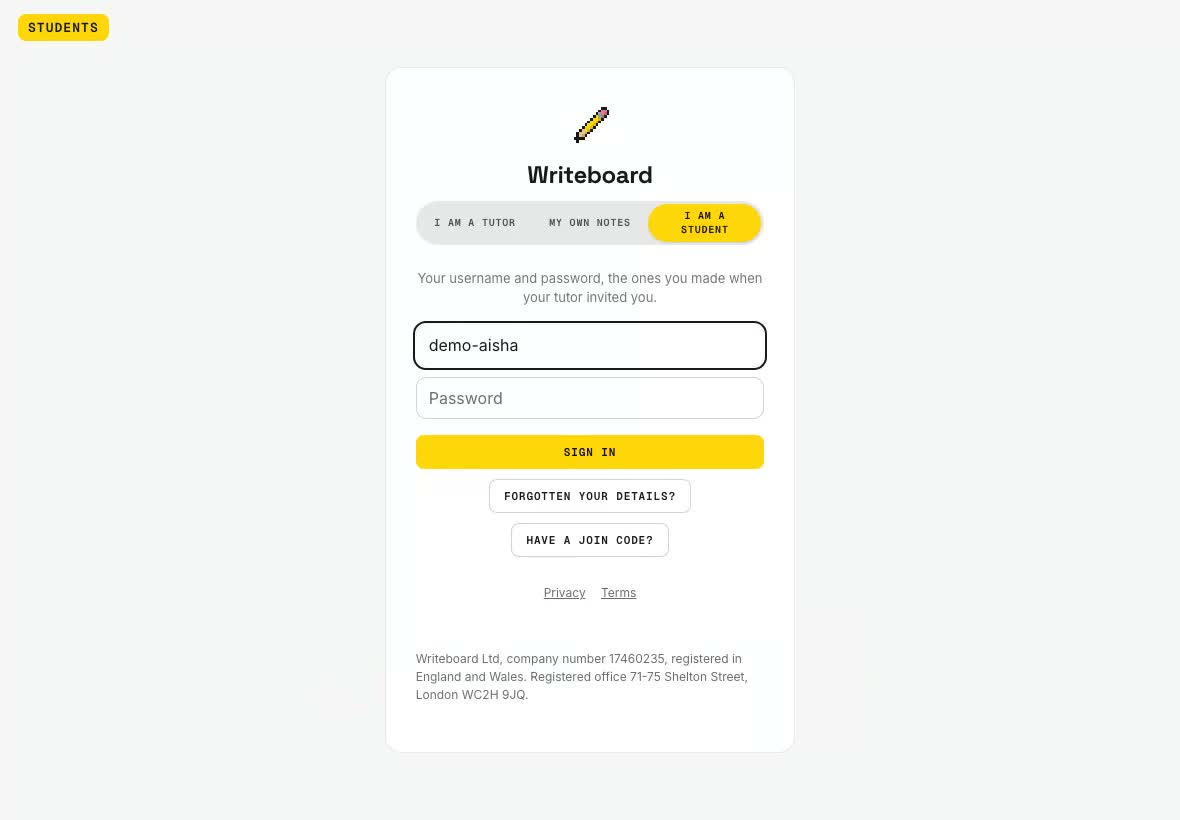
1. Invite a studentA link, a six-letter code, or a QR to point a camera at. The student picks a username; no email needed.2. Open the bookOne book per topic. Pick a cover; open it from the shelf.3. Pick the paperRuled, squared, graph, dotted, isometric. Per page or for the whole book.4. A chapter per lessonOne tap names it with the date. A term is one book.5. WriteType the question, write the working. Built for the pencil.6. Mark itBox the working, tick or cross. The mark shows on the student's shelf.7. InstrumentsA straight line, the protractor, a calculator that writes its working onto the page.8. Paste a screenshotIt lands on the page and syncs to everyone. Drag it where you want it.9. Import a past paperPreview every page, tick the ones you want. They sit under the ink as real pages.10. PointThe laser points without marking.11. Set the homeworkHighlight the question, select it, set a due date. It opens on that spot for the student.12. Live togetherThe student opens the book, writes; you see the cursor and the ink, and tick the answer.13. Turn the pagePages turn like a book.14. Every pageA drawer with chapters first, for big books. Drag to reorder.15. ExportThe whole book, a chapter or everything since a date, as one PDF with cover and contents.16. Wifi dropsKeep writing. It catches up when the connection returns.17. A worksheet libraryBuild materials once, send them to any students as fresh books.18. The student's shelfTheir books, the homework, the due date, hand in.